How it works
The whole system is built around one rule: the controlled document is the source of truth, and the AI is a drafting assistant that never gets the final word. Everything below follows from that.

Upload the controlled document
A PDF or Word procedure comes in and its text is extracted. The revision is stored as an immutable record — later revisions are added alongside it, never over it. Files live outside the web root and are served only to people in your organization, through an authenticated route.
- Revision history is preserved, not overwritten
- Documents are private to your organization
- Every later record points back at the exact revision used
The AI reads it and drafts the training
Procedure steps, required PPE, hazards, tools, critical quality points and common mistakes are pulled out and each one is tagged with where it came from. Where the document is silent on something the training needs, the system says so rather than filling the gap.
- Every element is labelled: from the document, inferred, or needs quality input
- Gaps are raised as questions for a quality manager, not quietly invented
- A storyboard with narration is drafted scene by scene
Add visuals where movement matters
Some steps genuinely need to be seen. Generate a short clip for those, or upload your own footage and images — often the better option when the machine on your floor is the one people need to recognise. Add a music bed if it helps.
- AI clips are generated from a prompt built out of the procedure text
- Your own video and images can be used anywhere instead
- Clip length and clip count are capped by limits you set
A named person approves it
This is the step that makes the rest defensible. A draft stays a draft — unassignable — until a quality manager reviews each scene and approves the module. The approver and the timestamp are recorded and cannot be back-filled.
- AI output can never become approved training by itself
- Unreviewed scenes are listed explicitly, with a link to each one
- Approval is recorded in the audit trail with who and when
Assess, sign off and record competency
An assessment is drafted from the same source material, with critical questions marked. An employee takes the training, passes the assessment, and a supervisor signs off the practical element. The result is a competency record tied to the revision.
- Failed attempts are recorded too — the matrix shows Not Qualified, not a blank
- Practical sign-off is a separate, named act by a supervisor
- Records carry an expiry date so requalification is visible in advance
When the document changes
Upload the new revision and the system compares it to the previous one section by section, not line by line, so a renumbered paragraph is not mistaken for a changed requirement. It recommends whether retraining is needed. A person decides.
- Changes are summarised as added, removed and modified steps
- The AI recommends; the retraining decision is made and recorded by a person
- Affected employees can be reassigned against the new revision
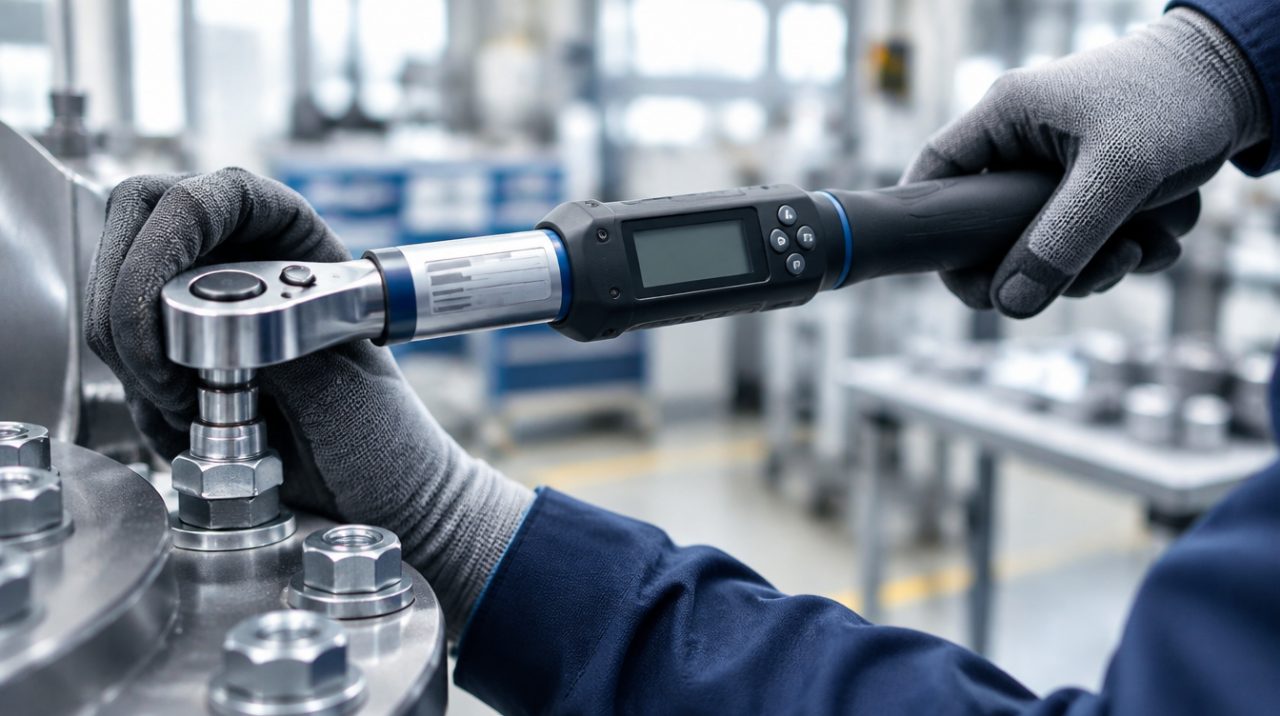
Specifications like this come from your procedure. Where the document is silent, the system says so rather than filling the gap.
What it will and will not do
It will
- Draft a full training package from a procedure in minutes
- Show which revision every record relates to
- Flag what the document does not say
- Keep a complete audit trail as a by-product
- Stop spending before it surprises you
It will not
- Invent PPE, torque values, tolerances, machine settings, measurement limits or inspection criteria
- Approve its own output
- Decide that retraining is or is not required
- Replace your quality management system
- Charge you for a generation that failed